At the table, guests have time to read a menu. At the till, they might only glance at a sign. Here’s how to choose a printed piece that fits the moment.
What would you like to promote?
Make your restaurant menu easy to scan
Group dishes the way people look for them. On a breakfast menu, eggs, pastries and drinks might each get a section. Put the price beside the dish name and explain any ingredient your guests often ask about.
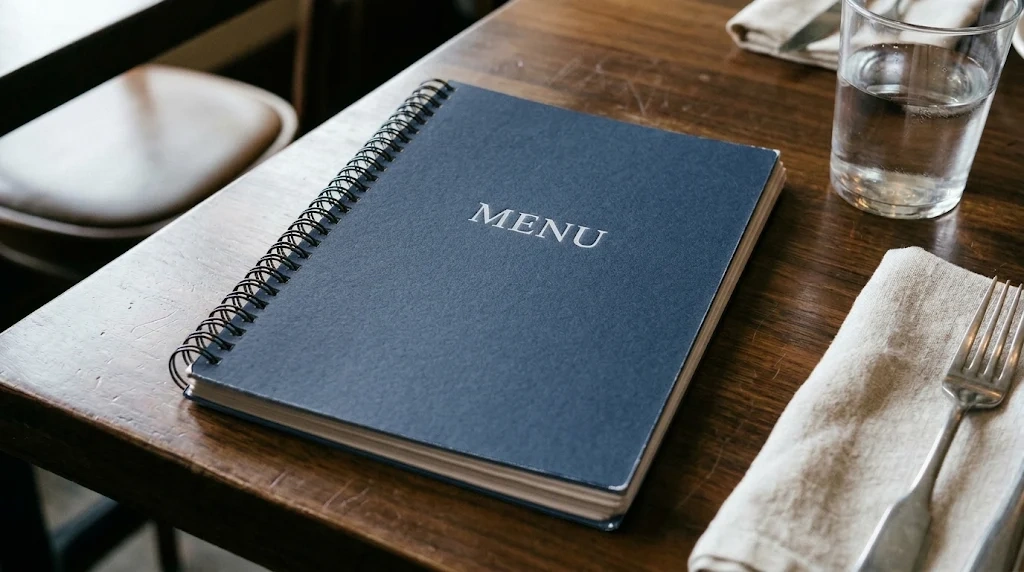
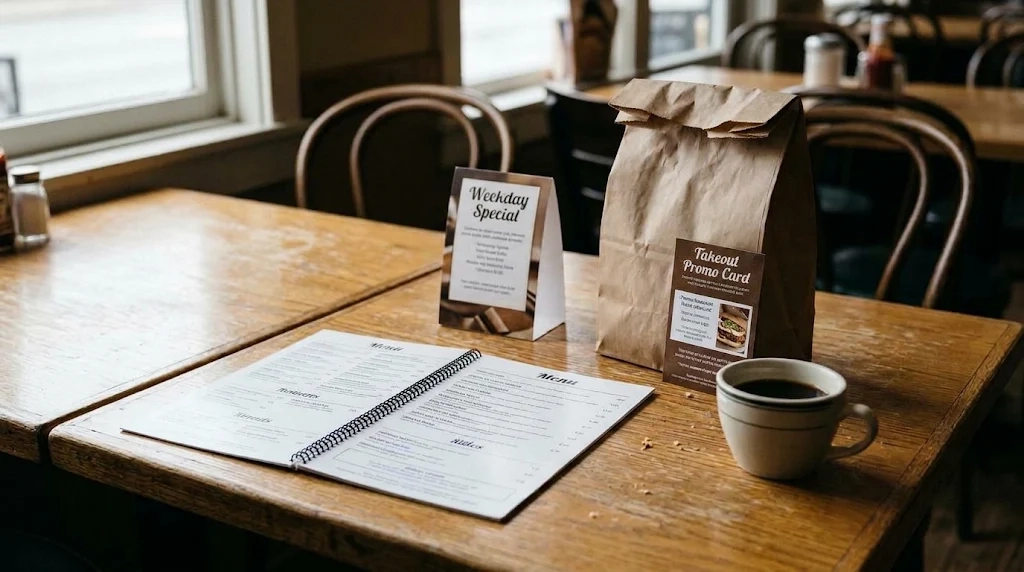
For a longer menu, spiral binding keeps the pages together. If your specials change every Friday, put those on a separate sheet so you can keep using the main menu.
Feature a lunch special on a table tent
What would you mention if you were taking the order? A dessert that just came out of the oven or a weekday lunch special makes a good table tent. Give it a photo, a name and a price.
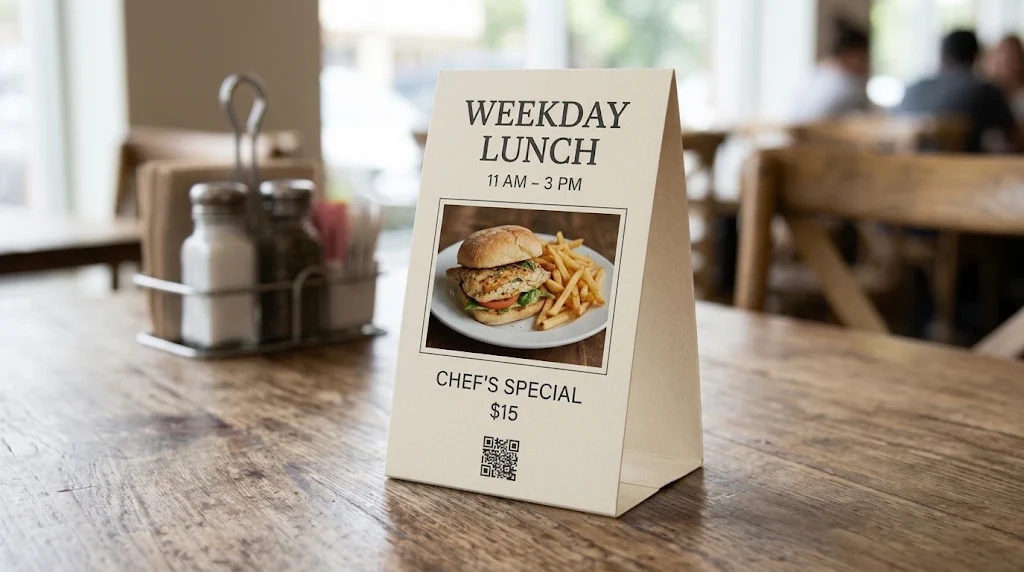
If the offer ends at 2 pm, put that beside the price. A guest who sits down at 1:45 can see there’s still time to order.
Two-sided or three-sided table tents?
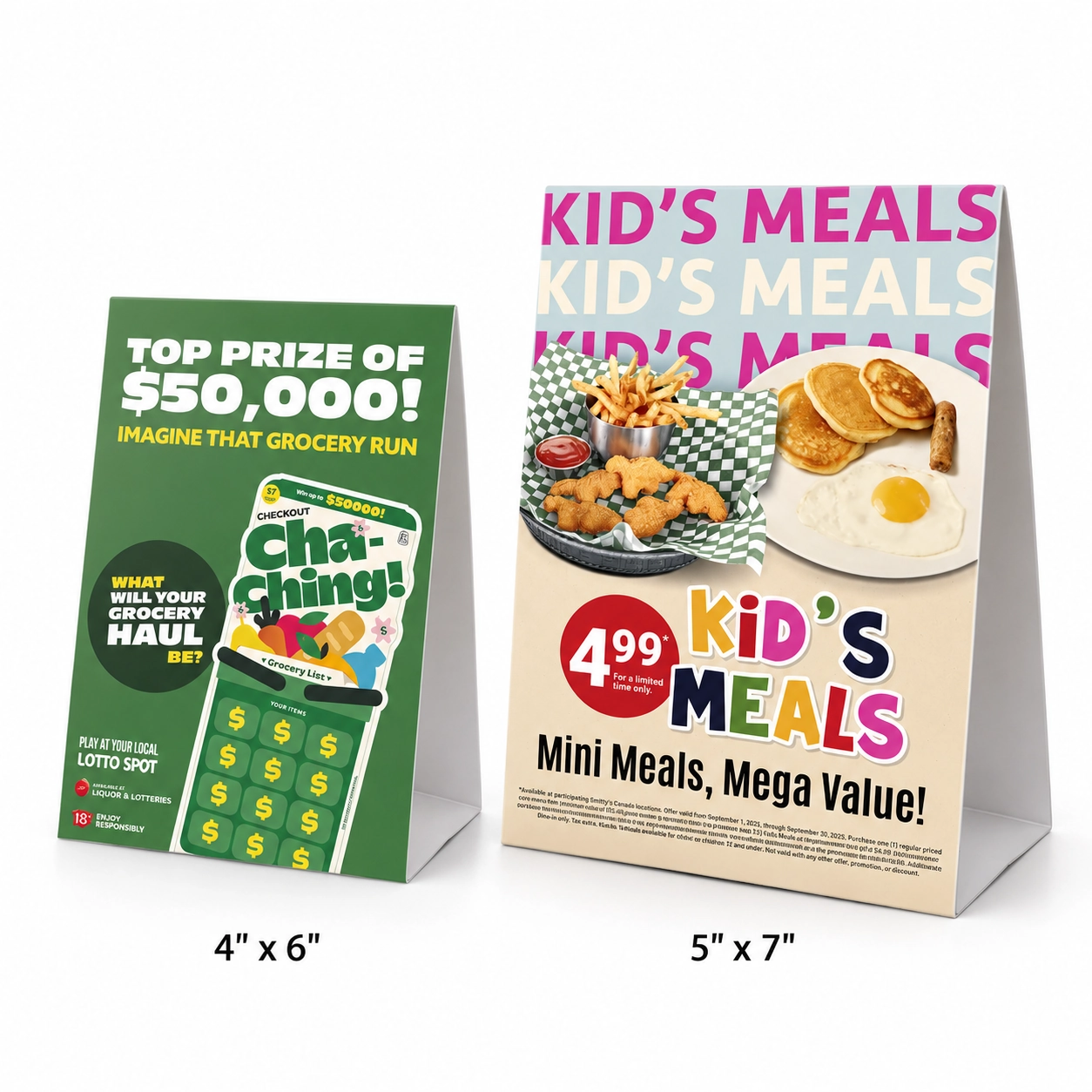
Two-sided table tent
If two people sit across from each other, print the same special on both sides so each can read it. The 4 × 6 and 5 × 7 inch examples show how much space you have for a headline, a photo and a price.
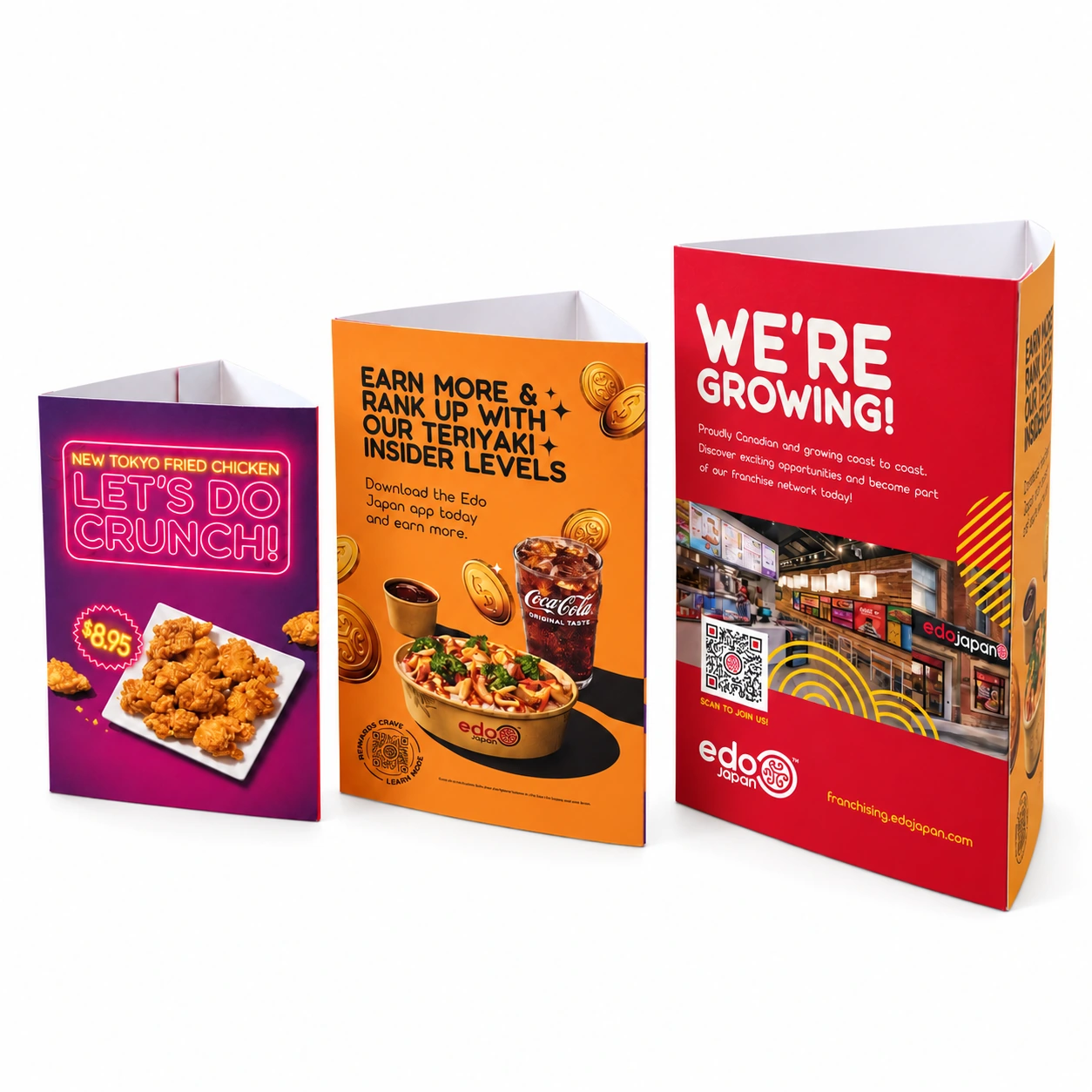
Three-sided table tent
Use the extra panel when you have something else worth sharing. One side might show lunch, the next a drink that goes with it, and the third how to book a group table. Sizes include 4.5 × 6, 5 × 7 and 6 × 8 inches.
Try the three sides
Turn the three-sided tent
Choose a side to turn the sample and see what a guest would read from their seat.
Side 1 of 3 Tomato soup · $12, noon to 2 pm
Side 2 of 3 Peach iced tea · Add a glass for $3
Side 3 of 3 Group bookings · Ask us to save a table
Show the combo price on a counter card
Stand the card where people can read it before they reach the till. If you’ve got a morning combo, show the coffee and pastry together with the price for both.
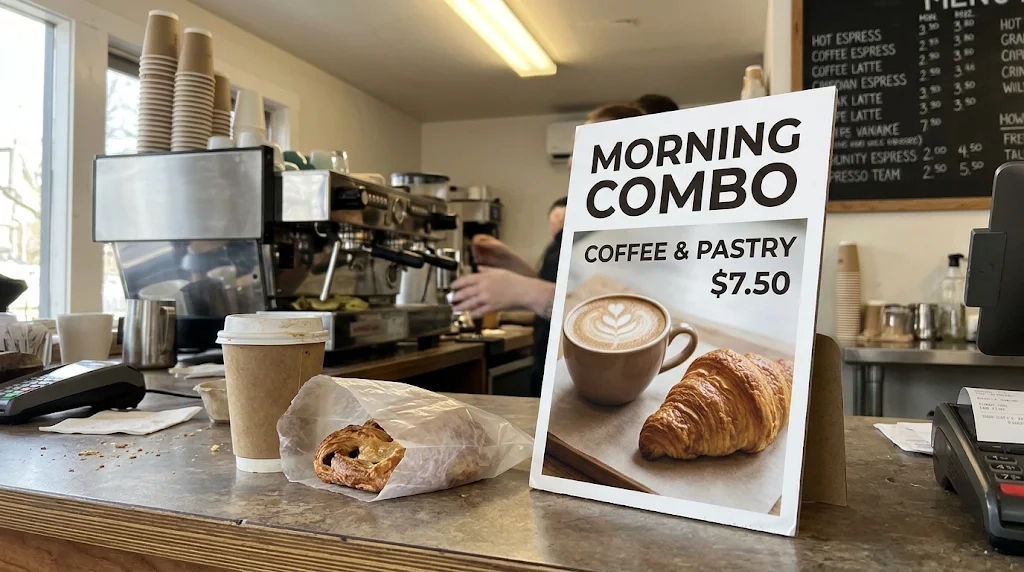
Try a paper cutout on the counter first. Can someone read it from the queue? Is there still room for the card reader? Easel-back sizes include 8.5 × 11, 9 × 12 and 11 × 17 inches.
Use a takeout insert to bring guests back
The best spot for a thank-you card is right on top, where guests will find it as they unpack. The card shown here offers 15% off their next weekday lunch.
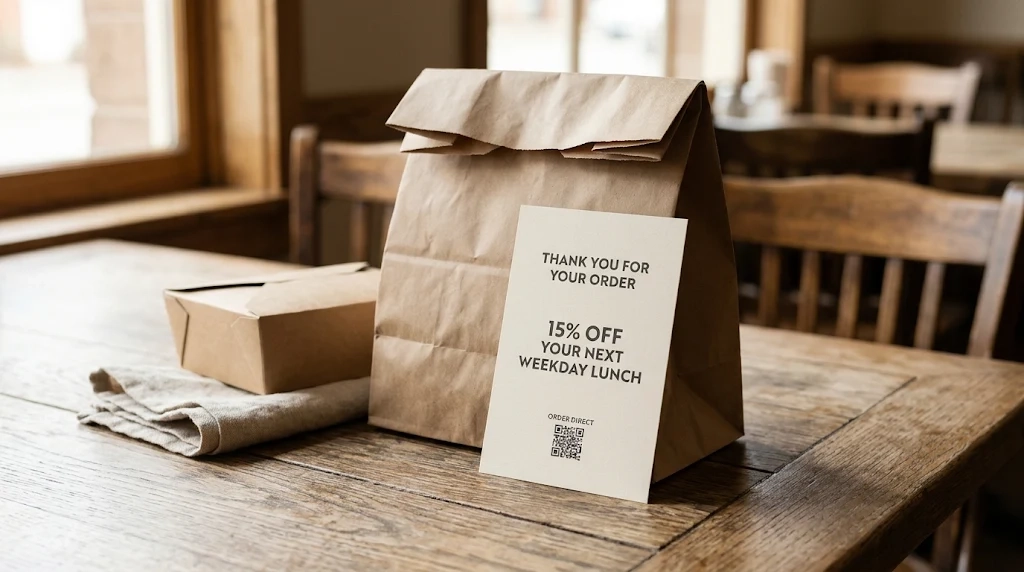
Read the offer as if you were placing the order yourself. Where would you order? Which code would you enter? Put those details and the expiry date together.
Introduce local delivery with door hangers or postcards
If you’ve just added a delivery route, a door hanger can let people on that street know. For a new opening, a postcard is easy to hand out at a neighbourhood event.
Include your address, opening hours and ordering link. If delivery only covers certain neighbourhoods, name them.
Give guests a clear reason to scan a QR code
Tell people what they’ll find when they scan. “See the lunch menu” works on a table tent. “Order pickup” feels right on a takeout card. Link straight to that page.
Print one sample and try scanning it from a seat or across the counter. Test it on iPhone and Android, and add a short web address for anyone who would rather type it.
Before you print
Tick off each item before sending your final artwork to press.
Restaurant printing FAQs
Which printed piece should a new restaurant start with?
Start with the menu people use to order. Then pay attention to what staff repeat each day. If they’re always explaining the breakfast combo, a sign by the till is a good next piece.
What should I put on a restaurant table tent?
Start with one thing you’d recommend today. For a slice of lemon tart, the name, price and a photo may be all you need. Add the hours if it’s only available at lunch.
When does a three-sided table tent make sense?
Three sides are handy when you have a few related things to say, like a lunch special and the drink that goes with it. For a single offer, two sides let guests across the table see the same message.
Can GoToPrint check my restaurant artwork?
Yes. Ask us for a free artwork check before printing. Your team will still need to give the final OK on dish names, prices, dates and food information.
Planning your next restaurant promotion?
Tell us what you have in mind, how many copies you need and when you’d like them. We’ll help you choose a format and take a look at your artwork.
Ask for a Restaurant Print Quote